Edges, Corners, and Centers: The Three Piece Types
Learn the three types of pieces on a Rubik's Cube, corners, edges, and centers, and why knowing them makes solving much easier.
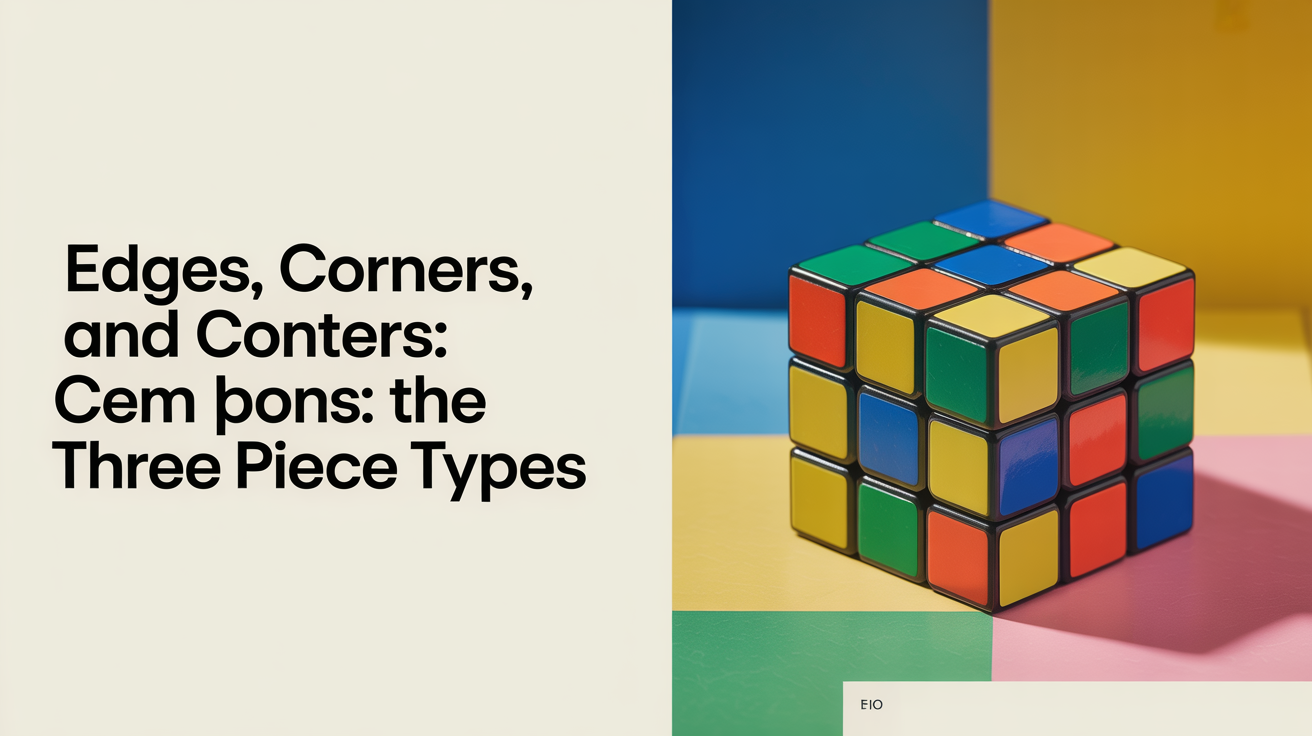
Before you can solve a Rubik's Cube, you need to understand what you're actually working with. The cube looks like 26 small blocks moving around each other, but those blocks fall into exactly three types. Each type behaves differently, sits in a specific location, and carries a specific number of stickers. Once you see the difference, the whole puzzle starts to make more sense.
The Three Types of Pieces
Open any beginner tutorial and you'll run into words like "corner" and "edge" without much explanation. Here's the full picture.
Centers
There are six center pieces, one on each face. Each center has exactly one sticker. The center of the white face is white. The center of the red face is red. And so on.
The most important thing about centers: they never move relative to each other. The mechanism inside the cube keeps them fixed. When you turn a face, the centers stay in place while the surrounding pieces shuffle around them. This is why the color of each center tells you the solved color of that entire face. If the yellow center is on top, the top face solves to yellow.
Edges
Edge pieces sit along the lines between faces, between a corner and the next corner. There are 12 edge pieces in total. Each edge has two stickers, one from each of the two faces it touches. A white-red edge, for example, belongs between the white face and the red face in the solved state.
When you count how many edges and corners a cube has, edges are the 12 pieces along every "seam" of the cube.
Corners
Corner pieces sit at the eight corners of the cube. Each corner touches three faces, so each corner has three stickers. A white-red-blue corner belongs at the intersection of the white, red, and blue faces when the cube is solved.
Corners are the chunkiest pieces on the cube. They also tend to be the trickiest to orient correctly, which is why most beginners spend extra time learning corner algorithms.
Why the Piece Count Matters
| Piece type | Count | Stickers per piece | Possible positions |
|---|---|---|---|
| Centers | 6 | 1 | Fixed, never move |
| Edges | 12 | 2 | Can move to any edge slot |
| Corners | 8 | 3 | Can move to any corner slot |
Centers define the goal. The 12 edges and 8 corners are what you're actually solving. The beginner layer-by-layer method works by placing edges and corners into their correct slots one group at a time, starting from the bottom layer and working up.
This separation also explains why algorithms move specific pieces without disturbing others. A short sequence of moves can cycle three corners without touching the edges, or flip two edges without moving the corners. That's not magic, it's a consequence of how these three piece types relate to each other geometrically.
Centers Are Your Compass
One of the biggest "aha" moments for new solvers is realizing that centers don't move. Once you know this, the cube becomes much less chaotic.
Before you place any piece, look at the center of each face. That center tells you where everything on that face needs to end up. If the center on the front of the cube is orange, every piece on that face, all four edge slots and all four corner slots, needs to show orange when you're done.
This is why solvers say "solve to the centers." The white edge piece goes between the white center and whatever adjacent center it matches. You never have to guess which face is which.
Edge vs Corner: The Practical Difference
The edge vs corner distinction matters most when you're hunting for a specific piece.
Corners have three stickers. If you're looking for the corner that belongs in the bottom-right-front slot, you need the piece that shows the three colors of that corner's three neighboring centers. Because it has three stickers, a corner can be twisted in three different orientations inside its slot, and only one of those orientations counts as correct.
Edges have two stickers. An edge can be placed in a slot correctly, or it can be flipped (backwards). Getting an edge into the right slot with the wrong flip is a common beginner mistake. The good news: the beginner method handles this with a specific set of moves rather than asking you to memorize why it happens.
When you can immediately tell whether you're looking at an edge piece or a corner piece, you spend less time second-guessing yourself and more time actually solving.
Using This Knowledge While You Solve
Here's how this plays out during an actual solve.
The first step in the beginner layer-by-layer method is building the bottom cross, which means placing four specific edge pieces around the bottom center. Because you know edges have two stickers, you know you're looking for pieces that match the bottom center color plus the color of each side center.
After the cross, you slot in the four bottom corners, pieces with three stickers, one of which must be the bottom color. If a corner is in the right slot but twisted, the algorithm for fixing it is designed around the fact that it has exactly three orientations.
Understanding cube notation becomes much clearer once you know which pieces are affected by each face turn. When you read an algorithm, you can trace which edges and which corners are being cycled or flipped.
The prime symbol in cube notation signals a counter-clockwise turn. Knowing whether you're turning an edge into or out of a slot makes the direction feel logical rather than arbitrary.
When you eventually read a full algorithm, you'll see it through the lens of these three piece types, which ones stay fixed (centers), which ones move to new positions (edges and corners), and which ones rotate in place without changing location (a common outcome for corners in the final layer).
Frequently Asked Questions
How many edges and corners does a Rubik's Cube have?
A standard 3x3 Rubik's Cube has 12 edge pieces and 8 corner pieces, plus 6 fixed center pieces. That adds up to 26 visible pieces total (not counting the internal mechanism).
Do centers ever move?
Centers rotate in place when you turn a face, but they never swap positions with other centers. The white center always stays opposite the yellow center, the red center always stays opposite the orange center, and so on. This is a fixed property of the cube's construction.
Why do corners have three stickers if they're in a slot touching three faces?
Each sticker on a corner belongs to one of the three faces the corner touches. When the corner is solved correctly, each sticker faces the matching center color. If the corner is twisted, all three stickers are in the wrong orientation even though the piece is in the right slot.
Can I place an edge piece in a corner slot?
No. Edge pieces have two stickers and fit only into the 12 edge slots along the seams. Corner slots have three-sticker positions at the eight corners of the cube. The physical shape of each piece type prevents them from fitting into the wrong slot.
Does it matter which way an edge is facing when I put it in place?
Yes. An edge placed "flipped" in its slot has both stickers pointing the wrong way. In the beginner method, specific moves exist to flip edges without disturbing the rest of the layer you've already solved. Recognizing a flipped edge early saves time and frustration.