How to Choose Your First Speed Cube
Find the best speed cube for beginners with this plain-English guide to what actually matters: turning feel, magnets, price tiers, and what to skip.
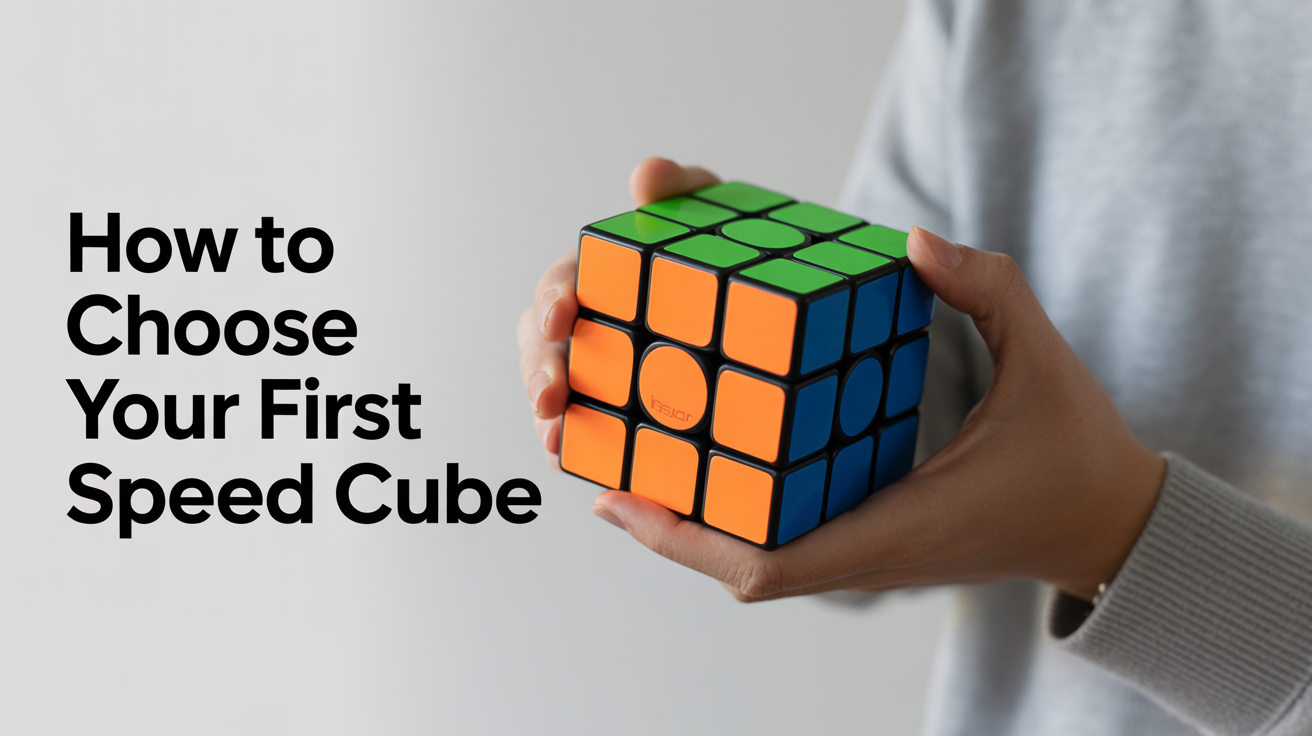
Picking your first speed cube does not have to be complicated. The short answer: grab a mid-range stickerless magnetic 3x3 from any of the well-known manufacturers, spend somewhere in the $10–$20 range, and you will have a cube that is dramatically better than anything sold as a toy. The rest of this guide fills in the why, so you can shop with confidence instead of guesswork.
What Makes a Speed Cube Different from a Standard Puzzle
The Rubik's Cube (a registered trademark) is the original 3x3 twisty puzzle, but the modern speed cubes sold today are a completely different animal under the plastic. Mass-market toy cubes are rigid, snag constantly, and resist the slightly off-angle turns that happen naturally when you are solving fast. A speed cube is engineered to forgive those moments.
Corner Cutting
Corner cutting is the single most important mechanical property a beginner should care about. It describes how far out of alignment two layers can be before the cube refuses to turn. A well-designed speed cube will let a face rotate even when the adjacent layer is sitting at a noticeable angle, sometimes 45 degrees or more. That tolerance is the difference between smooth, flowing practice sessions and a puzzle that locks up and frustrates you into quitting.
Turning Feel
Feel is partly personal preference, but beginners generally do best with a cube that has a little resistance rather than one that is completely loose and floaty. Some cubes come from the factory on the stiffer side; others feel silky right out of the box. Both can be dialed in later with tension adjustments, but a cube that starts in a reasonable middle ground means you can focus on learning rather than immediately tinkering with settings.
The Case for Magnets
Magnets changed everything in the hobby, and they are now standard in almost every cube worth buying at the beginner level. Tiny magnets embedded in the corner and edge pieces create a gentle snap when a face reaches the correct 90-degree position. That positional feedback helps your fingers find each turn with less mental overhead, which is particularly useful when you are still internalizing algorithms and cannot afford to think about hand mechanics at the same time.
If you are curious about the deeper differences between magnetic and non-magnetic designs, the explainer at /posts/magnetic-vs-non-magnetic-cubes-what-s-the-difference covers the topic thoroughly. For now, just know that for a first speed cube purchase, you want magnets. Any modern budget or mid-range cube will have them.
Price Tiers: What You Get at Each Level
The speed cubing market splits fairly neatly into three tiers. Prices below are approximate ranges and vary by retailer, region, and whether a cube is on sale.
| Tier | Approximate Price | What You Get |
|---|---|---|
| Budget | $8–$15 | Good factory feel, magnets, stickerless plastic, minor quality-control variance |
| Mid-range | $15–$30 | Tighter tolerances, better corner cutting, adjustable tension, more consistent batch quality |
| Flagship | $40–$60+ | Top-end performance, premium materials, sometimes multiple magnet-strength options; overkill for beginners |
Budget Tier
A good budget cube is genuinely excellent for learning. Several manufacturers now sell entry-level magnetic cubes that turn more smoothly than premium cubes from five years ago. The main trade-off is that batch quality can be slightly uneven; one cube might feel slightly better than another from the same box. For your first cube, that variability rarely matters.
Mid-Range Tier
This is the sweet spot for most beginners who want a cube that will carry them from first solve through sub-2-minute times and beyond. Mid-range cubes usually offer adjustable tension (small screws under each center cap let you tighten or loosen the layers) and may come with multiple spring options or magnet-strength choices in the box. You are not paying for features you cannot use yet. The improved consistency and feel are noticeable from day one.
Flagship Tier
Flagships are designed around the needs of competitive solvers chasing sub-10-second times. The performance gap between a good mid-range and a flagship is real but small, and a beginner will not feel it. Save the upgrade for when you have learned the full CFOP or Roux method and want to invest seriously in the hobby.
What to Look for When Shopping
Beyond price, here is a practical checklist for evaluating any cube before you buy:
- Stickerless plastic, colors are molded directly into the plastic, so they cannot peel, fade, or get scratched off during practice
- Magnets included, look for "magnetic" or "M" in the product name; if the listing does not mention magnets, ask or skip it
- Adjustable tension, a definite plus, though not essential at the very beginning
- Reputable manufacturer, stick to brands with an established presence in the speed cubing community rather than no-name imports
- Reviews from actual solvers, cubing forums and YouTube channels test these puzzles exhaustively; a five-minute search will tell you more than a product description
What to Avoid
Avoid any cube sold as a toy in a discount store or as a novelty item. These typically use an older internal design with a fixed center screw and no corner-cutting tolerance. They lock up, pop apart, and make learning dramatically harder. The price difference between a toy cube and a proper beginner speed cube is often just a few dollars.
Also avoid cubes that ship with stickers rather than stickerless plastic unless you specifically prefer that look. Stickers lift at the edges, shift position, and eventually need replacing.
Do You Need Any Accessories Right Away?
Probably not. A good cube ships with a factory setup that is adequate for learning. Two accessories are worth knowing about for later:
Lubricant, speed cube lube makes a real difference to feel and longevity, but the type and amount matter. Applying the wrong lube, or too much of any lube, can make a cube worse temporarily. Once you have a feel for how your cube moves, the guide at /posts/how-to-lube-a-speed-cube-and-why walks through the process. For now, leave the factory setup alone.
Tension adjustment, loosening or tightening the center screws changes how the layers interact with each other. It is a quick tweak once you know what you are doing. When you are ready to experiment, /posts/how-to-tension-a-speed-cube explains the process step by step. Again, no rush. The out-of-box tension on a mid-range cube is a fine starting point.
A timing mat and stackmat timer are fun to have eventually, but a phone stopwatch works perfectly for tracking your progress at the start.
How a Good Cube Affects Learning
This point deserves emphasis. Many beginners blame themselves when they struggle to execute a move smoothly, but the problem is often the hardware. A cube that catches, pops, or resists natural turning creates a frustrating feedback loop where every mistake feels larger than it is. A properly tuned speed cube (even a budget one) removes that friction so the difficulty you feel comes from the algorithm itself, not from wrestling with the mechanism.
The tactile satisfaction of a cube that spins cleanly and snaps into place is also just more enjoyable. Enjoyment matters for building the daily practice habit that gets you to your first solve.
FAQ
How much should I spend on my first speed cube?
Somewhere between $10 and $25 covers the full range from good budget cubes to solid mid-range options. Spending more than that on a first cube is unnecessary. Flagship cubes in the $40–$60 range are built for competitive solvers and offer incremental gains that beginners cannot yet take advantage of.
Is a magnetic cube really necessary for a beginner?
Yes, in practice. The magnetic click gives your fingers positional feedback that is especially helpful when you are still building muscle memory. Non-magnetic cubes are not impossible to learn on, but there is almost no reason to choose one at the beginner level when magnetic options exist at the same price point.
Should I get a stickered or a stickerless cube?
Stickerless is the default recommendation. Stickered cubes look identical when new, but the stickers wear, shift, and peel over time. Stickerless cubes age cleanly and the colors remain sharp through years of practice. Some solvers prefer the look of stickers, and that is a valid personal choice, but it comes with a maintenance trade-off.
Can I just start with a cheap toy cube to see if I enjoy the hobby?
You can, but toy cubes frequently make people believe they dislike cubing when they actually just dislike a bad cube. If you want an accurate sample of what the hobby feels like, a budget speed cube gives a much more representative experience. The price difference is small enough that it is worth getting it right from the start.
What if I buy a cube and it feels too loose or too tight?
If the cube is adjustable (most mid-range cubes are), you can tune the tension yourself using the center screw under each center cap. The process takes a few minutes and makes a significant difference. If the cube is non-adjustable and the feel bothers you, lube and break-in time often help. Either way, it is fixable. A cube arriving stiff or loose from the factory is normal and not a defect.