Step 6: Permuting the Last Layer to Finish the Solve
Learn how to finish a Rubik's cube last layer by cycling corners and edges into place with two beginner algorithms.
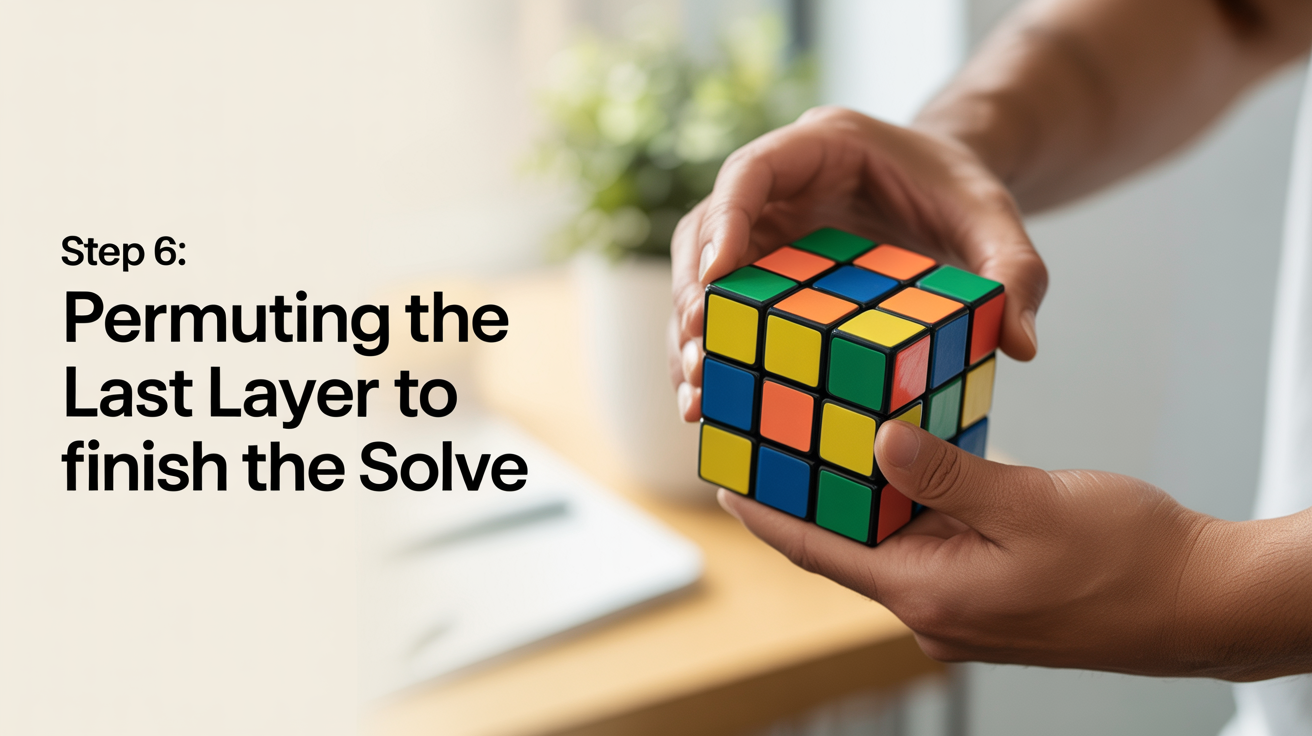
You made it to the final step. The yellow face is fully oriented, every yellow sticker is pointing up, and you are one stage away from a completed cube. What is left is called permutation: moving the top-layer pieces around until each one lands in its correct slot.
Permuting the last layer splits into two mini-steps: fix the corners first, then fix the edges. Each one uses a short algorithm. Once you know both, you can finish any solve.
If you are new to the method and jumped here first, the full context lives in the layer-by-layer method overview. You can also go back to step 1 or step 2 to review the early stages.
What "Permuting" Means
Orientation and permutation are two different things. Orientation means which way a sticker faces. Permutation means which slot a piece occupies.
After step 5, every yellow-top corner and edge is oriented correctly. The problem is that many of those pieces are sitting in the wrong slot. A corner with a yellow sticker facing up might belong in the back-left position, not the front-right where it currently sits.
Permuting fixes that. You are not flipping pieces, just cycling them from slot to slot until each one is home.
Part 1: Permuting the Corners
Hold the cube yellow side up. Look at the four corners on the top layer. Your goal is to find two corners that are already in their correct positions relative to each other. These two correct corners will act as anchors while the algorithm cycles the other two.
How to identify correct corners: A corner is in the right slot when all three of its stickers match the center colors around it, even if they are rotated the wrong way. At this stage you do not care about rotation, only location.
Once you find two correct corners, place them on the same side: either both in the back or both at the front. Then position that side facing away from you, so the two good corners are in the URF and ULB positions (back-right and back-left of the top layer).
Now apply the corner-cycle algorithm:
R' U' R' D' R U R' D R R
This cycles the three front-top corners without touching the two in the back. After one pass, check the corners again. If they are all in the right slots, move on. If not, look for a new pair that matches and apply the algorithm again from that position.
If no two corners seem to match at all, apply the algorithm once from any position. This will always create at least one matching pair that you can then use to anchor the next run.
Part 2: Permuting the Edges
With all four corners in their correct slots, only the four top edges remain. The edge-cycle algorithm moves three of the four edges in a circle, leaving one in place.
Start by finding any edge that is already in its correct slot. That edge will stay still. Rotate the top layer (do not turn the whole cube) until that correctly placed edge is at the back. Now look at the remaining three edges: front, left, and right.
The algorithm cycles them counterclockwise, meaning:
- The front edge moves to the left slot
- The left edge moves to the right slot
- The right edge moves to the front slot
The counterclockwise edge-cycle algorithm:
F2 U L R' F2 L' R U F2
To cycle them clockwise instead, use:
F2 U' L R' F2 L' R U' F2
After one pass, check the edges. If they are all solved, you are done. If not, you likely need the opposite direction. Rotate the top layer as needed, and run the other version.
Quick Reference: Both Algorithms
| What to fix | Algorithm |
|---|---|
| Corner cycle (3 front-top corners) | R' U' R' D' R U R' D R R |
| Edge cycle counterclockwise | F2 U L R' F2 L' R U F2 |
| Edge cycle clockwise | F2 U' L R' F2 L' R U' F2 |
Keep this table handy while you practice. After a few dozen solves, the moves will flow without thinking.
The Complete Last Layer in Order
To tie steps 5 and 6 together into a clean sequence:
- Orient the last-layer edges (yellow cross on top)
- Orient the last-layer corners (all yellow stickers facing up)
- Permute the corners into correct slots
- Permute the edges into correct slots
Step 6 covers stages 3 and 4 of that list. When the final edge slides into place, every face of the cube should be a solid color.
If something looks off at the end, the most common cause is accidentally turning the bottom two layers during step 6. Keep a firm grip on the top layer when you apply these algorithms, and move only the faces specified in the notation.
Frequently Asked Questions
Do I have to do the corner permutation before the edge permutation?
Yes, for this beginner method. The corner cycle only touches corners, so doing it first leaves the edges free to be fixed afterward. Reversing the order can scramble corners you already placed.
What if no two corners match at the start of the corner permutation step?
Apply the corner-cycle algorithm once from any position. This forces a new arrangement where at least two corners will share the same relative position. From there, identify the matching pair and continue normally.
I ran the edge algorithm but the cube still looks wrong. What happened?
Check whether the edge that is supposed to stay fixed actually had its side stickers correct. If you picked an edge that was only partially correct (yellow on top but wrong side colors), it was not truly solved. Pick a different anchor edge and try again.
Why does the corner algorithm look so long?
The R' U' R' D' R U R' D R R sequence is long by beginner standards, but it is doing something specific: it cycles three corners without disturbing the rest of the cube. Shorter moves would shift pieces you have already placed. Once you get comfortable, you can look into shorter OLL and PLL algorithms used in the CFOP method.
How long does it take to get a full solve under two minutes?
Most people reach consistent sub-two-minute solves after two to four weeks of regular practice with the beginner method. The biggest gains come from eliminating pauses between steps, not from memorizing faster algorithms. Focus on recognizing cases quickly before chasing speed.