How to Solve the Rubik's Cube If You Keep Getting Stuck
Getting stuck mid-solve is normal. This guide pinpoints common sticking points on the middle and last layers so you can troubleshoot and finish.
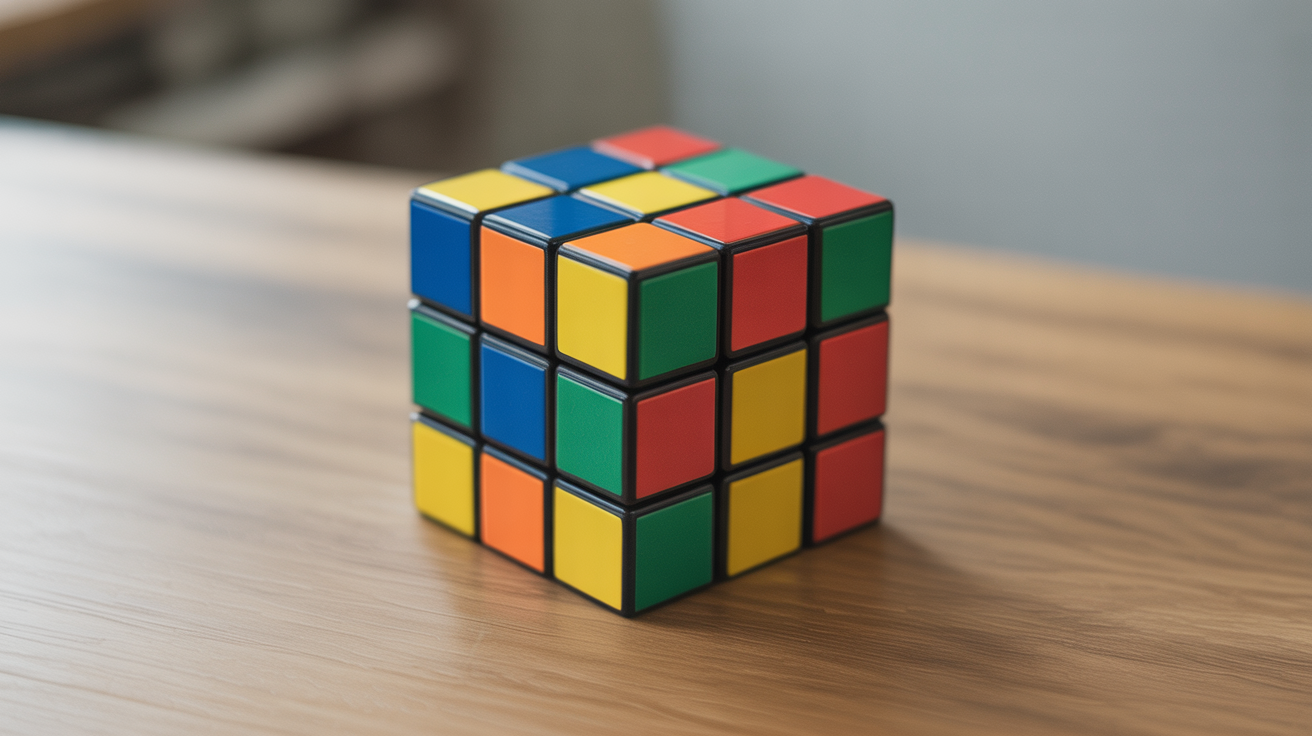
You had the first layer looking perfect. Then you followed the next algorithm and the whole thing fell apart. Or maybe you reached the last layer and a single corner refused to go where it was supposed to. You put the cube down.
Getting stuck is the most common experience in beginner cubing. It does not mean you are doing it wrong or that you are missing some natural talent. It almost always means one specific thing went sideways, and once you know what to look for, you can trace it back and fix it without starting over.
This guide walks through the most common sticking points, gives you a checklist for diagnosing where the solve went wrong, and explains how to get back on track.
Why Beginners Get Stuck (And Why It Is Not What You Think)
Most people assume that getting stuck means they are not smart enough to solve the cube. That is rarely the problem. The actual culprits are almost always one of three things:
A misread move. Cube notation looks simple, but a single letter difference between R (right face clockwise) and R' (right face counter-clockwise) will undo a whole sequence. If you are learning from a video or guide, pausing and re-reading each move before you do it makes a bigger difference than going fast.
A skipped step. The layer-by-layer method has an order for a reason. Jumping ahead, even by one small action, can put pieces in positions that look almost right but will block every algorithm that comes after. If something seems wrong, the cause is often a step you thought you completed but did not quite finish.
Rushing through the recognition phase. Before you can run an algorithm, you have to recognize which case you are looking at. Beginners often see a piece that looks close to where it belongs and apply an algorithm without checking the full orientation. One piece facing the wrong way can make a correct algorithm produce a scrambled-looking result.
For a broader look at habits that slow progress, common beginner cubing mistakes and how to avoid them covers the full list.
How to Diagnose Where Your Solve Went Wrong
Before doing anything else, run through this checklist. It takes about thirty seconds and will usually tell you exactly where the problem started.
| Checkpoint | What to check |
|---|---|
| First layer cross | Are all four edge pieces in the right position AND oriented correctly? |
| First layer corners | Are all four corners in the right slot with the bottom color facing down? |
| Middle layer edges | Are both edge pieces in the correct slot with colors matching on both faces? |
| Last layer cross | Does a cross shape appear on the top face, even if colors do not match the sides? |
| Last layer permutation | Are the top-face pieces cycling between the right spots? |
Work top-down through the checklist and stop at the first checkpoint where something looks off. That is where your solve actually broke down, even if you noticed it later.
Getting Unstuck on the Middle Layer
The middle layer is where most beginners hit a wall. The algorithm for inserting an edge piece into the middle layer involves holding the cube in a specific orientation, and if you turn the cube the wrong way before running the sequence, you will insert the piece into the wrong slot or pop it back out immediately.
Two things to check before running a middle-layer algorithm:
-
The edge piece you want to insert should be sitting on the top layer with the top-face color matching its own center color. If it is already in the middle layer but in the wrong slot or flipped, you need to pop it out first by running any middle-layer insertion algorithm into that slot, which will replace it with a different piece.
-
The front face of the cube should be the color that matches the edge you are about to insert. Lining up the centers before running the algorithm saves a lot of confusion.
If you are new to the method itself, the layer-by-layer method: how beginners solve the cube walks through each layer with diagrams.
Getting Unstuck on the Last Layer
The last layer trips up more beginners than anywhere else, partly because there are more distinct cases to recognize.
Last layer cross is not forming. If F R U R' U' F' does not seem to be making a cross, check that you are starting from the right case. There are four possible dot/L/bar/cross starting patterns, and you need to rotate U until you have the right orientation before running the algorithm. Running it from the wrong starting point will not create a cross.
Pieces are moving but the layer looks scrambled. This is normal. The last-layer algorithms each solve one specific part of the problem. After the cross, corners move but edges might look wrong. After permuting corners, the last step orients them. The cube will look unsolved until the very last algorithm finishes. Trust the process and check that you are running the right algorithm in the right order.
One or two corners are twisted in place. This is a recognized case, not a defect in the cube. The algorithm for orienting last-layer corners (R U R' U R U U R', repeated) needs to cycle through each corner. You hold the unsolved corner in the front-right position, run the sequence until that corner is solved, then turn only U to bring the next unsolved corner to front-right, and repeat. Do not turn any other face between corners.
A Simple Reset Checklist When Nothing Is Working
If the cube feels completely wrong and you cannot trace where things went sideways, a controlled reset is faster than forcing a broken solve.
- Scramble the cube back to a random state. A half-solved cube can look almost unsolvable when pieces are stuck in conflict.
- Solve only the white cross first, then stop and check each edge before moving on.
- Do not move to the first-layer corners until the cross is confirmed correct.
- After each completed step, take a full rotation around the cube and verify every piece in that layer before starting the next one.
This approach is slower but it reveals exactly where the breakdown happens. Once you catch it two or three times in the same spot, you will know which step needs more attention.
If you want to revisit the full solve sequence from the beginning, how to solve a Rubik's Cube: a beginner's guide lays out each stage in order.
Frequently Asked Questions
Why does my cube look correct but still not solved? This usually means an edge or corner is in the right slot but flipped or twisted. Check that every piece on the completed layers has the correct color on every face, not just the face you can see from above.
I followed the algorithm exactly but nothing changed. What happened?
Double-check the starting position. Most last-layer algorithms only work correctly if the cube is held in a specific orientation or if certain pieces are already in place. Rotating U before running the algorithm is a common fix.
Can the cube end up in an unsolvable state? Yes, but only if someone physically removed and replaced pieces, or popped corners or edges out and put them back in the wrong orientation. A factory-assembled cube is always solvable. If yours seems impossible, check that no pieces were swapped by hand.
How many times should I try an algorithm before assuming something is wrong? One correct execution should produce a visible change. If you ran an algorithm once and nothing looks different, that is a sign the starting position was wrong, not that the algorithm failed. Reset to the correct starting orientation and try again.
Is it normal to still be getting stuck after a week of practice? Completely normal. Most beginners take two to four weeks of regular practice before the solve feels reliable from start to finish. Each time you get stuck and diagnose it, you are learning more than you would from a smooth solve.